

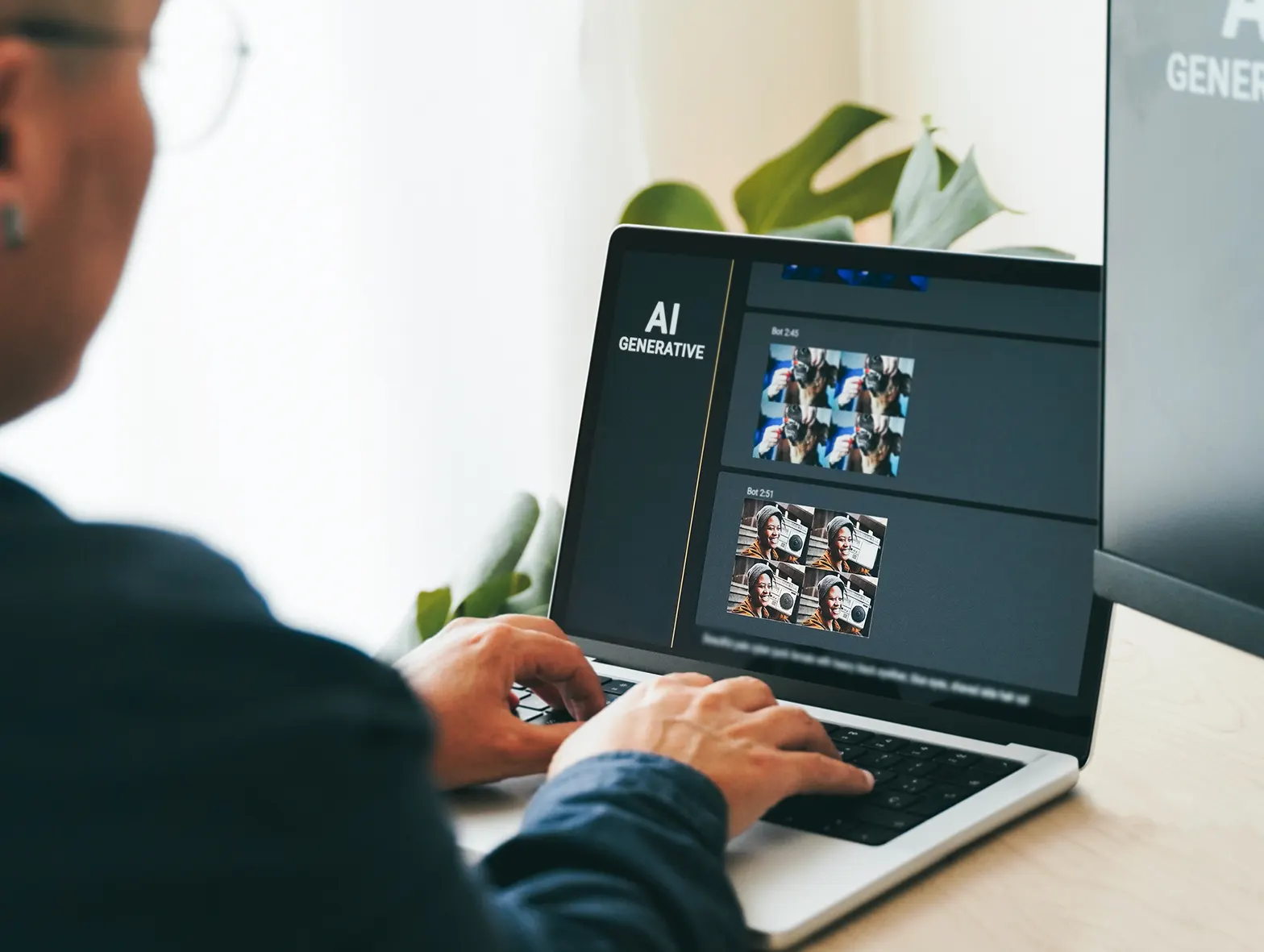
There is no avoiding or denying the fact that AI has changed the way most people, including business owners, create artwork. A few words typed into an AI image generator can produce a detailed illustration, a dramatic landscape, or a striking marketing concept in seconds.
For many businesses, it feels like a faster way to create graphics for signs, banners, wall murals, and vehicle wraps. While the speed of AI in producing a graphic image is impressive, it can also create unrealistic expectations when it comes to putting it into production. Many people assume that if an AI image looks sharp on a screen, it is ready to print at almost any size.
In reality, printing AI artwork usually involves much more work than simply pressing the print button. In fact, AI generated art should be best viewed as the beginning of the creative process rather than the end. It provides ideas, inspiration, and direction. Turning that concept into something that works in the real world often requires technical adjustments, file rebuilding, and production planning.
Why AI Images Are Not Automatically Print-Ready
An AI image generator is designed to create visuals that look convincing on a screen. Its goal is not to produce production-ready files for large format printing. Because of that, many AI-generated images contain hidden problems that only become obvious when they are enlarged.
Small details that look clear and crisp as they appear on your smartphone or computer screen tend to look soft when printed several feet wide. When it’s blown up big, fine textures can blend together, gradients may not reproduce cleanly, and tiny decorative elements can lose definition.
This does not mean AI creates poor artwork. Quite the opposite. AI can generate remarkable concepts in very little time. The important thing is understanding that concept art and production artwork are two different things.
High Resolution Is Only Part of the Story
Many people believe increasing resolution will solve every problem. While high resolution is certainly important for high quality prints, it is not the only requirement.
A structurally weak file is going to remain weak even if you choose to render it with more pixels. Enlarging an image will not correct distorted lettering, inconsistent shapes, or poorly defined edges. All it will do is make those problems larger and easier to see.
Printing AI artwork successfully depends on both image quality and file quality. Resolution helps preserve detail, but it cannot replace proper design preparation.
AI Text Rarely Works Well
One of the easiest ways to identify AI generated art is by looking at the text. Although image generators continue to improve, they still struggle with lettering. Words may be misspelled, distorted, or completely unreadable.
For signage, this creates an obvious problem. Business names, contact information, slogans, and directional messages need to be accurate and easy to read.
Instead of trying to repair flawed lettering, production specialists often recreate the text entirely using professional fonts. This produces sharper results and ensures every word is clear at any viewing distance.
Complex Effects Can Create Print Production Challenges
AI artwork is known to be created using some common elements, i.e. painterly textures, glowing effects, intricate gradients, and highly detailed backgrounds.
These elements may be visually appealing but become difficult to reproduce consistently in large format printing.
For example, we often see soft edges disappear, fine details can blend together when viewed from a distance, and more complex gradients may need some adjusting to ensure a more appealing transition across a large printed surface.
Rather than removing all of these elements, which would dramatically impact the quality of your image, print production teams will usually evaluate which effects should stay or go and which ones need refinement.
Why Vector Rebuilding Is Often Necessary
In large print production, vector images are the gold standard. Many signs, vehicle graphics, wall murals, and displays benefit from vector artwork. This is because, unlike standard images, vector graphics remain sharp regardless of how large they become.
Most AI generated art is not created as vector artwork. Instead, it exists as a raster image made up of pixels. This means logos, icons, illustrations, or key design elements often need to be manually rebuilt.
This rebuilding process creates clean lines, smoother curves, and sharper edges. It also gives production teams more control over colours, scaling, and final output.
The amount of rebuilding required depends on the project. A simple graphic may only need minor adjustments. A highly detailed illustration that must closely match the original AI concept may require significantly more production time.
Simpler Designs Often Produce Better Results
One of the most effective ways to reduce AI image production challenges is to simplify the artwork . This does not mean taking away your creativity but it does mean asking yourself, which elements truly support what you’re trying to communicate in the image and then removing anything unnecessary.
Whether it’s AI-made or not, clean image layouts often perform better than overly detailed ones, especially on signs and signage viewed from a distance. Using bold graphics, readable typography, and clear focal points provide a stronger visual impact than the more intricate decorative details.
As an added bonus, simplifying the AI image design can also reduce production costs. Less rebuilding, fewer adjustments, and cleaner artwork generally mean a smoother path from concept to finished product.
Production Preparation Adds Value
Preparing AI artwork for print involves much more than checking image size. Colours may need adjustment to suit print materials rather than digital screens. Shapes may require cleanup. Fine details may need to be redrawn, and graphics often need to be reorganized for their intended surface.
A vehicle wrap, for example, introduces additional considerations. Artwork must account for doors, windows, handles, body lines, and curved panels. Wall murals need to accommodate seams and installation methods. Trade show displays require layouts that remain effective when viewed from different angles.
These production steps are not corrections to bad artwork. They are refinements that help ensure the final product matches the original creative vision as closely as possible.
From Inspiration to Installation
Yes, AI has become an exciting creative tool, and its role in design will continue to grow. It allows businesses to explore ideas quickly and visualize concepts that might otherwise take much longer to develop.
At the same time, printing AI artwork should mean having realistic expectations and an awareness of its limitations. AI generated art works best as a blueprint that guides the design process. It’s not to be treated as the final production file.
The combination of AI, thoughtful design refinement, and experienced production planning produces artwork that looks just as impressive on a wall, vehicle, window, or display as it did on the screen.
Have an AI-generated design you’d like to turn into a professional sign, mural, wrap, or display? Contact us at SpeedPro Kelowna. Send our team your concept for a production assessment. We’ll review the file, explain what refinements are needed, and help transform your digital idea into a high-quality finished graphic that performs beautifully in the real world.


